Modifica Archivos de Titulo, Video, Copyrigths y mas.
Aquí encontrareis una carpeta llamada files_to_patch.
Esta carpeta se pone dentro de la carpeta PAZ del cliente BDO.
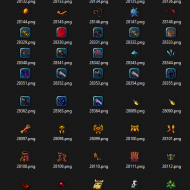
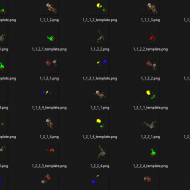
Dentro contiene 3 Carpetas, en la cual encontrareis imagenes, titulos, etc, que podréis modificar, a vuestro gusto, esto permitira cambiar el Titulo de vuestro Cliente BDO, videos de fondo y mas!
Como Ejecutar:
Poner la carpeta files_to_patch dentro de la carpeta PAZ, cambiar las imágenes deseadas, videos, textos, ejecutar Meta Injector y Pulsar 1, dejar que aplique las modificaciones.
IMPORTANTE: Guardar el archivo modificado con el mismo nombre y extension.
Aquí encontrareis una carpeta llamada files_to_patch.
Esta carpeta se pone dentro de la carpeta PAZ del cliente BDO.
Dentro contiene 3 Carpetas, en la cual encontrareis imagenes, titulos, etc, que podréis modificar, a vuestro gusto, esto permitira cambiar el Titulo de vuestro Cliente BDO, videos de fondo y mas!
Como Ejecutar:
Poner la carpeta files_to_patch dentro de la carpeta PAZ, cambiar las imágenes deseadas, videos, textos, ejecutar Meta Injector y Pulsar 1, dejar que aplique las modificaciones.
IMPORTANTE: Guardar el archivo modificado con el mismo nombre y extension.