
Image cropper,
This is a file with the .bat extension; place it inside the extracted ITEMS folder. Once there, double-click it and press the Enter key. This will launch the process, which selects the first frame from each image file and crops it to 32x32.
This file is useful because we found that the OTS image converter wasn't working as expected—specifically, it failed to convert images to GIF format. This method allows you to extract and crop images, saving only the first frame from files that contain multiple frames.
Windows: Install ImageMagick.
Example (before):

After:

This is a file with the .bat extension; place it inside the extracted ITEMS folder. Once there, double-click it and press the Enter key. This will launch the process, which selects the first frame from each image file and crops it to 32x32.
This file is useful because we found that the OTS image converter wasn't working as expected—specifically, it failed to convert images to GIF format. This method allows you to extract and crop images, saving only the first frame from files that contain multiple frames.
Windows: Install ImageMagick.
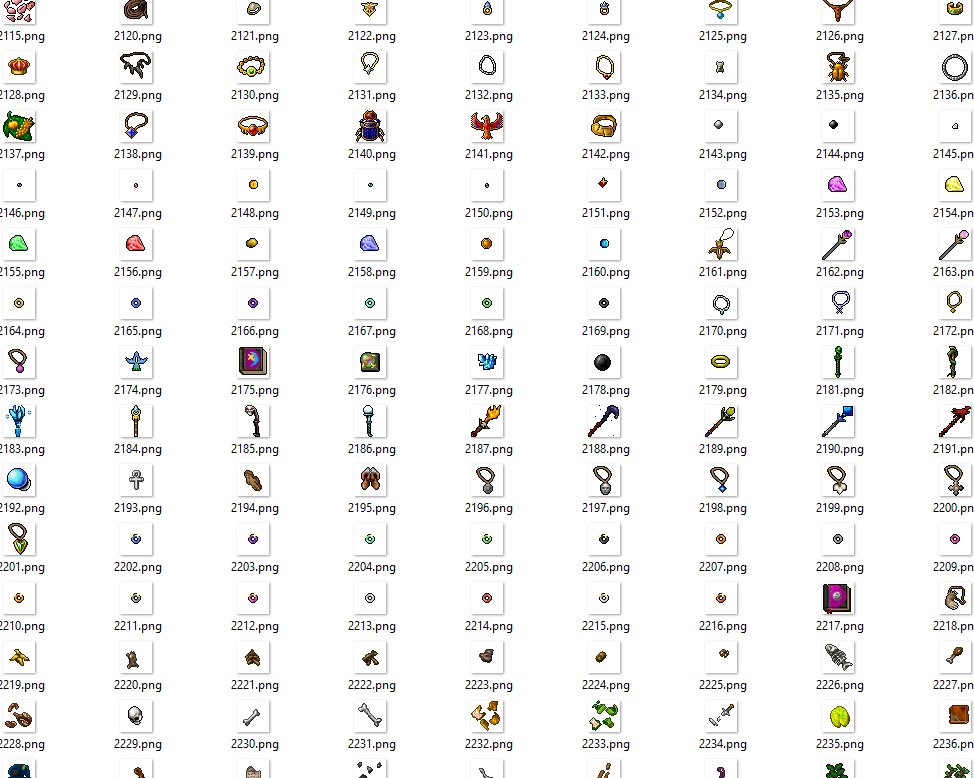
Example (before):
After:

![[7.72] CipSoft Server Windows Port & Unified Standalone (C++17 / SQLite 3 / Embedded Login Server)](/data/resource_icons/1/1103.jpg?1792077236)